Microsoft Copilot
- Nurses
- Students
- Educators
- Programme leads
Microsoft Copilot for nurses
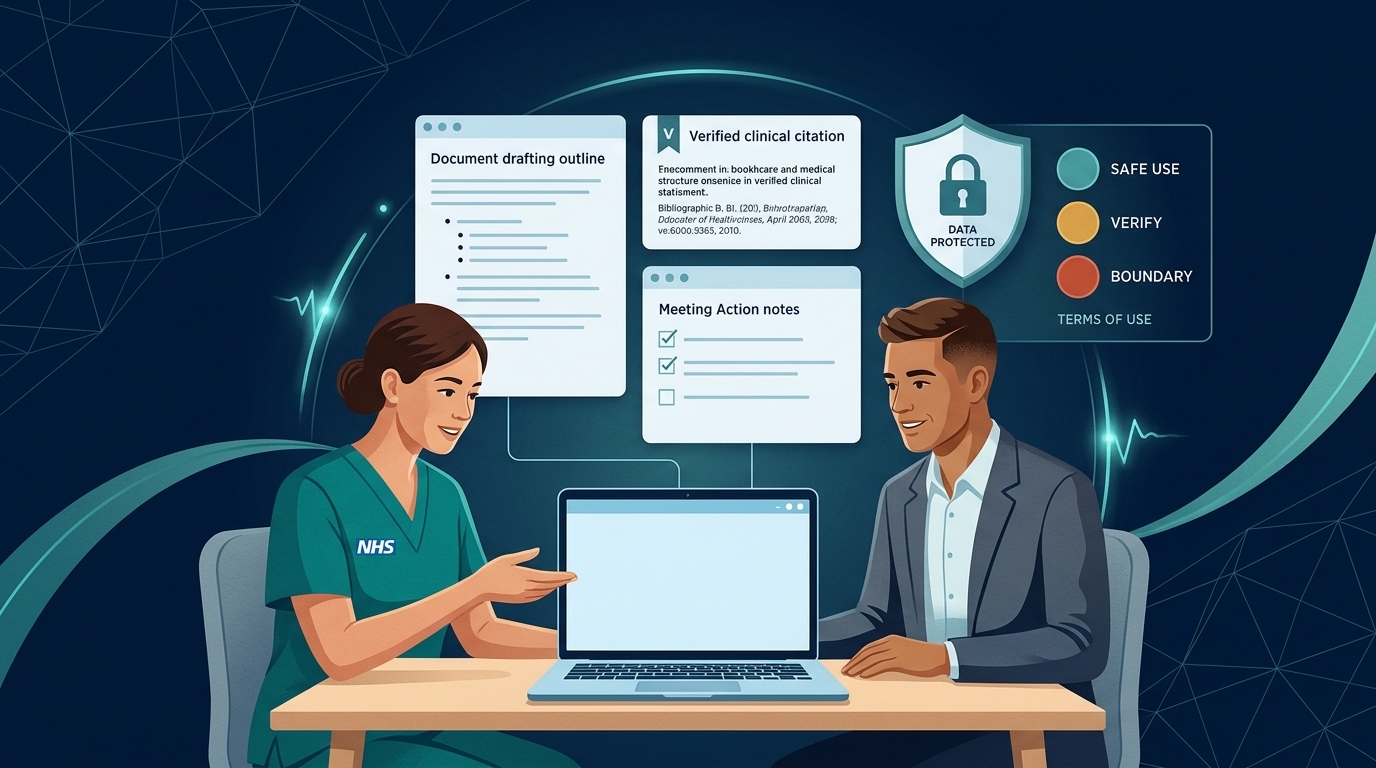
Microsoft Copilot is the AI tool most NHS nurses meet first, because it sits inside the Microsoft 365 apps you already use: Outlook, Teams, Word, Excel and PowerPoint. In June 2026 NHS England announced Microsoft 365 Copilot licences for around 505,000 clinicians and support staff, with each trust receiving an allocation based on headcount (NHS England, June 2026).
This hub explains the different versions of Copilot, what each can see, and how to use them through the nursing process.
Look for the Work toggle and green enterprise data protection shield. Never use a personal account for work.
NHS England guidance is explicit: Copilot must not be used for clinical decision-making or diagnostics.
Microsoft 365 Copilot (Premium) can surface any shared file your account has permission to open.
Which Copilot do I have?
There are several versions, and they behave differently. Microsoft's names change often, so check the label shown in your Copilot app.
| Version (as labelled by Microsoft) | Who usually has it | What it can work with | In Word, Excel, PowerPoint and OneNote? |
|---|---|---|---|
| Copilot Chat (Basic) | Most staff with a work Microsoft 365 account | The public web, plus anything you paste or upload, or have open in Outlook or Teams | No: use chat or the Word, Excel and PowerPoint agents in the Copilot app instead |
| Microsoft 365 Copilot (Basic) | Staff in some organisations without the paid add-on | As above | Yes, with standard (not priority) access |
| Microsoft 365 Copilot (Premium) | Staff given the paid licence, for example through the NHS England allocation | The web and your work data automatically: your emails, files, meetings and chats, within your permissions | Yes, full experience, plus work-data agents |
Source: Microsoft Learn, What is Microsoft Copilot?, checked November 2026. Features also depend on your organisation's settings.
Work account or personal account?
Shows a “Work” label and a green shield for enterprise data protection. Prompts and responses are covered by your organisation’s contract and are not used to train foundation models (Microsoft Learn).
The same Copilot app, Edge sidebar or Outlook can also be signed into with a personal Microsoft account. Your organisation’s enterprise protections do not apply.
When Copilot searches the web to answer you, it sends a short search query to Bing. Microsoft removes user and organisation identifiers, but Bing searches are covered by different terms from the rest of Copilot. This is another reason never to put identifying information in a prompt.
What Copilot can see: the oversharing risk
Licensed (Premium) Copilot can find anything you already have permission to open, not just what you meant to share with it. If a spreadsheet with patient details sits in a shared folder you can reach, Copilot can surface it. NHS England's guidance asks organisations to review and restrict where personal data is stored before switching Copilot on (NHS England Digital, Microsoft 365 Copilot IG guidance).
If Copilot shows you information you shouldn't be able to see, stop, don't share it, and report it to your information governance team.
What Copilot is not for
NHS England's guidance is clear that Copilot must not be used for clinical decision-making or diagnostics, and that you are responsible for checking the accuracy of anything it produces. Microsoft 365 is not a clinical system. See Copilot red lines.
In this hub
| Page | What it covers |
|---|---|
| Copilot red lines and safe-use levels | The rules that apply to every prompt |
| Copilot through the nursing process | The NCD Nursing Prompt Cycle and Copilot app by app |
| Copilot in Teams meetings | Recaps and transcripts, and when not to use them |
| Agents, Researcher and Cowork | Copilot that takes actions, and the governance it needs |
| Copilot prompt explorer | Forty-nine nursing prompts to search, filter and copy |
Using ChatGPT, Claude, Gemini, NotebookLM or Perplexity alongside Copilot? See Comparing AI platforms and browse Free AI courses for each platform.
Microsoft, Microsoft 365 and Copilot are trademarks of Microsoft. Nursing Citizen Development is independent and not affiliated with Microsoft.