Microsoft Copilot
- Nurses
- Students
- Educators
Copilot red lines and safe-use levels
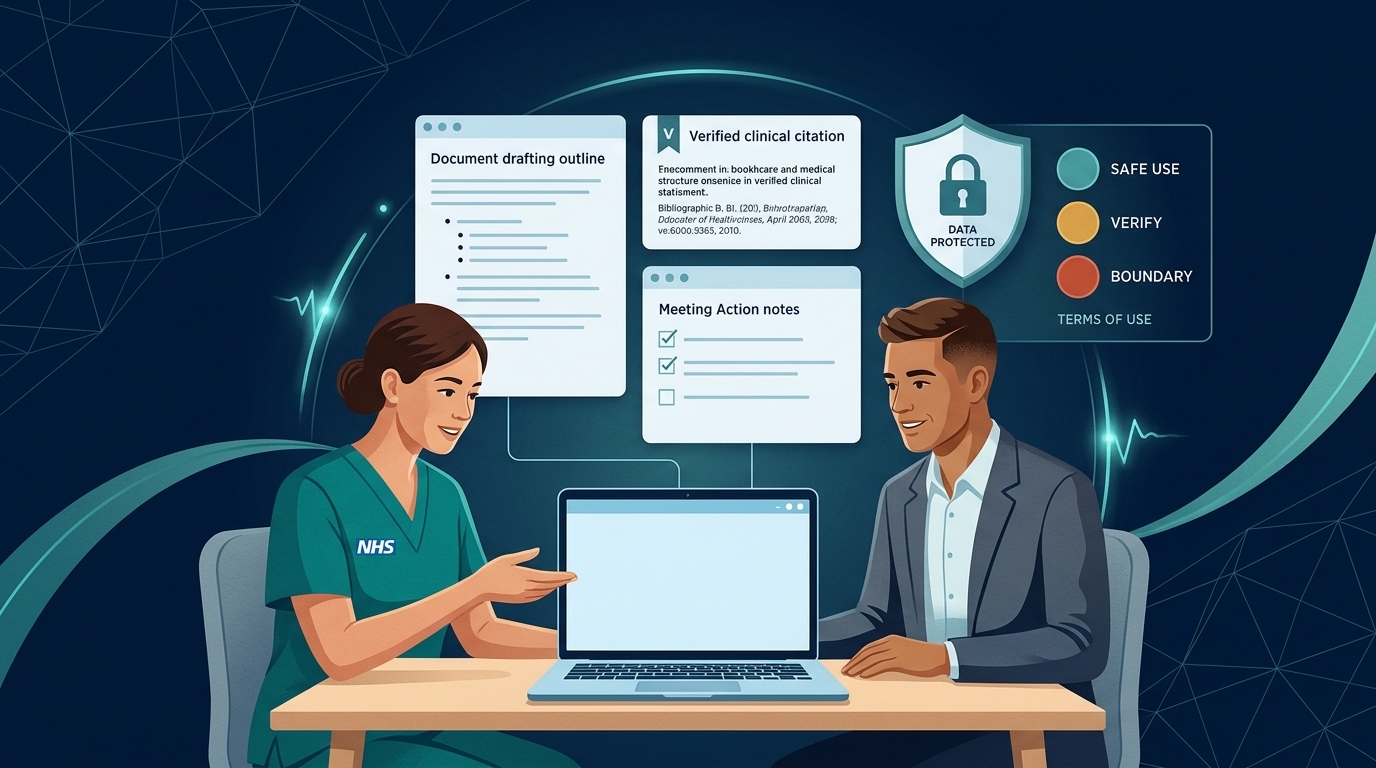
Open, De-identify first, Clinical boundary — every Copilot prompt carries one of these safe-use levels.
No identifying information or clinical decisions — no interpreting results, no made-up evidence, and approved Copilot only.
Jigsaw identification — removing a name isn't enough when other details still point to one person.
Three safe-use levels (Traffic-Light Guide)
Every prompt in the Copilot prompt explorer carries one of these three levels:
Open use
Uses general, published or your own non-personal material. Check the output before you use it.
Example: Redesigning a blank handover template or drafting a teaching outline.
De-identify first
Only works with anonymised or aggregated information. Remove anything that could identify a person and keep small cell counts out.
Example: Summarising anonymised ward audit themes.
Clinical boundary
For learning, preparation and paperwork only. Decisions about real people stay with you, your team and approved clinical systems.
Example: Preparing general questions before a medicines review.
Five red lines
These apply to every prompt, in every version of Copilot.
- No identifying information. Nothing that could identify a patient, service user, family member or colleague: names, initials with dates, bed numbers, NHS or hospital numbers, photographs or case details.
- No clinical decisions. No diagnosis, dosing, calculations, risk scoring, or capacity or safeguarding thresholds for a real person.
- No interpreting a person's results, observations, images or records.
- No made-up evidence. Don't use Copilot to invent references, feedback, data or evidence, and check that any references it gives are real.
- Approved Copilot only. Use the Copilot your organisation has approved, through your work account, following your information governance policy.
These match NHS England's guidance that Copilot must not be used for clinical decision-making or diagnostics, and that users are responsible for checking its outputs (NHS England Digital).
Reference table: Three safe-use levels
| Level | What it means | Example |
|---|---|---|
| Open | Uses general, published or your own non-personal material. Check the output before you use it. | Redesigning a blank handover template |
| De-identify first | Only works with anonymised or aggregated information. Remove names and anything that could identify a person before Copilot sees it, and keep small numbers out. | Summarising anonymised audit results |
| Clinical boundary | For learning, preparation and paperwork only. Decisions about real people stay with you, your team and your approved clinical systems. | Preparing questions for a medicines review |
Why "anonymised" is harder than it looks
Removing a name isn't enough when other details point to one person: a rare condition, an age with a ward, a date with an event, or a small team. If you couldn't say the details aloud in a public corridor, don't put them in Copilot. Keep numbers in tables large enough that no one can be singled out.
If something goes wrong
- You entered something you shouldn't have: tell your manager and information governance team promptly. It may need recording as a data incident.
- Copilot showed you something you shouldn't see: don't use or share it, and report it.
- Copilot produced something harmful or biased: use the feedback button, and report it locally if it could have affected care.
Quick self-check: Copilot Red Lines
A ward manager removes a patient's name and NHS number from a complaint email about a rare post-operative complication in a 22-year-old on Ward 4B last Tuesday, then pastes it into Copilot to draft a response. Which Copilot Red Line or Safe-Use rule is breached?