Microsoft Copilot
- Nurses
- Students
- Educators
Copilot through the nursing process
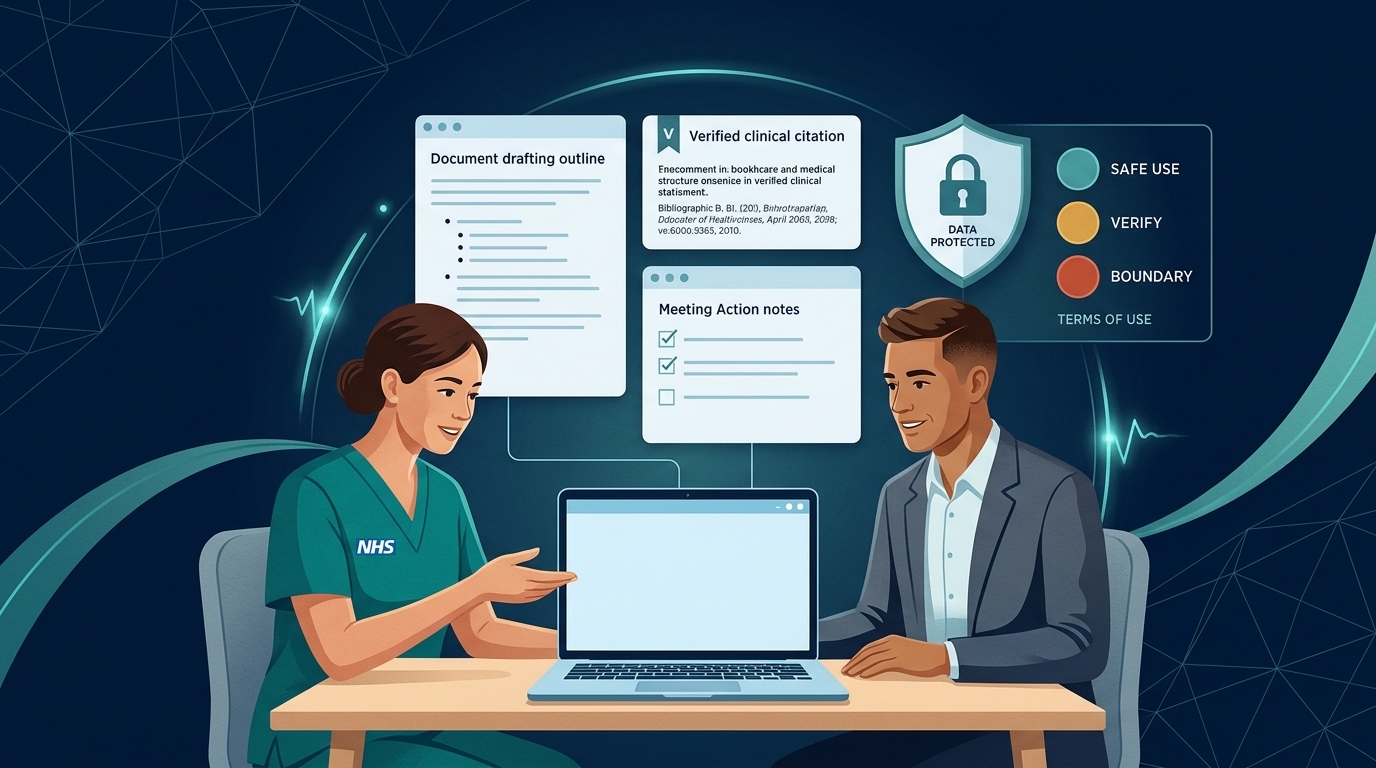
Assess, Plan, Implement, Evaluate — write and improve prompts using the same four stages you use in practice.
Organising and communicating — Copilot supports the paperwork, teaching and information around care, not the care itself.
Ground and check — point Copilot to an approved source, add nothing it doesn't say, and verify every output.
The NCD Nursing Prompt Cycle
Write, check and improve Copilot prompts with the same four stages you use in practice. Each stage carries one theme of the NMC Code.
| Stage | Code theme | What to do in your prompt |
|---|---|---|
| Assess | Prioritise people | Start with the need. Who is this for, what situation are they in and what matters to them? Name the audience: night staff, a family, second-year students, people who use easy read. |
| Plan | Practise effectively | Ground it in evidence. Point Copilot to the source it must use (an attached policy, a published NICE guideline, your own notes), tell it to add nothing the source doesn't say, and decide the shape: one page, a table, five slides, reading age 9. |
| Implement | Preserve safety | Set safe boundaries: no identifying information, no clinical decisions, and a checkpoint, so Copilot shows you a draft, its sources or its gaps before it finishes. |
| Evaluate | Promote professionalism and trust | Review the output as you would evaluate care. Is it accurate against the source? Compassionate, respectful and inclusive? Could it identify anyone? Fit to share? If not, refine and go round again. |
Before and after
“Write a leaflet about falls.”
“Using the attached falls prevention policy only, draft a one-page leaflet for older adults and their families on staying safe from falls at home after discharge. Plain English, reading age 9, warm tone, 'you' not 'the patient'. Add nothing the policy doesn't say. Show me a draft and list any points from the policy you left out.”
Copilot app by app
Copilot Chat
Good for: Explaining concepts, drafting from public guidelines, brainstorming teaching ideas.
Watch out for: Only knows what you give it plus the web — verify every clinical fact.
Outlook
Good for: Summarising long email threads, drafting replies, adjusting tone.
Watch out for: Emails often contain patient or staff details; check no action or concern was dropped.
Teams
Good for: Meeting recaps, action lists, catching up on non-confidential project chats.
Watch out for: Consent and disclosable transcripts. See Copilot in Teams meetings.
Word
Good for: Leaflets, policies, reports, polishing your own reflective writing.
Watch out for: Invented content not in the source document; reflections must remain genuinely yours.
Excel
Good for: Analysing de-identified audit data, building trackers, explaining formulas.
Watch out for: Small cell counts (<5) can re-identify people; verify all calculations.
PowerPoint & Forms
Good for: Turning approved policy documents into teaching slides or feedback surveys.
Watch out for: Check every slide for clinical accuracy and test survey questions with service users.
| App | Good nursing uses | Watch out for |
|---|---|---|
| Copilot Chat | Explaining a concept, drafting from published material, brainstorming teaching ideas | It only knows what you give it, plus the web. Check every fact. |
| Outlook | Summarising long threads, drafting replies, adjusting tone | Emails often contain patient or staff details. Check the summary hasn't dropped an action or a concern. |
| Teams | Meeting recaps and actions, catching up on chats | Consent and record-keeping. See Copilot in Teams meetings. |
| Word | Leaflets, policies, reports, reflective accounts (your own words, polished) | Content not in the source. Reflections must remain yours. |
| Excel | Analysing de-identified audit data, building trackers, explaining formulas | Small numbers can identify people. Check calculations independently. |
| PowerPoint | Turning a document into teaching slides or a briefing | Images that misrepresent people or anatomy. Check every slide. |
| OneNote and Loop | Study notes, shared checklists, team pages | Shared pages are visible to others. No personal data. |
| Forms | Drafting survey and feedback questions | Leading or excluding questions. Test with the people the survey is for. |
Mapping to the toolkit's nursing process
Copilot mostly supports the organising and communicating around care rather than the care itself:
- Assess: preparing questions and assessment templates, never assessing a real person
- Plan: drafting policy-based plans, pathways and patient information for you to personalise
- Implement: accessible information, handover tools and teaching materials
- Evaluate: de-identified audit analysis, reflection prompts and learning from incidents
See AI through the nursing process for the wider picture, and the Copilot prompt explorer for ready-made prompts.
Quick self-check: The NCD Nursing Prompt Cycle
In the NCD Nursing Prompt Cycle, why do we explicitly instruct Copilot during the Plan and Implement stages to 'use only the attached policy, add nothing it doesn't say, and list any points you left out'?