Accountable use
- Nurses
- Students
- Educators
- NMC platform 1
- NMC platform 7
Comparing AI platforms
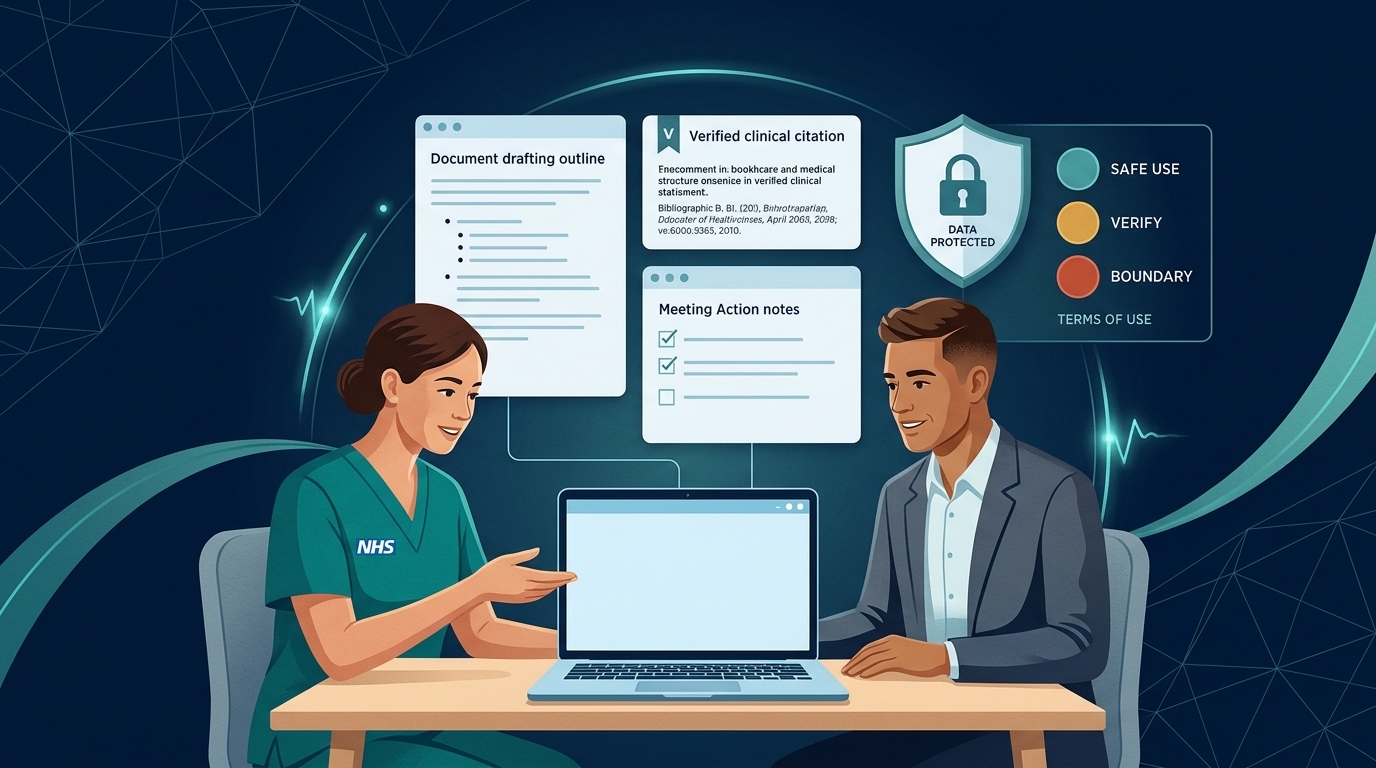
Nurses, students and educators meet five everyday AI platforms most often: Microsoft Copilot, ChatGPT (OpenAI), Claude (Anthropic), Gemini and NotebookLM (Google), and Perplexity.
Before comparing features, check whose account you are signed in with. The account type decides what data protection you have.
Match Your Nursing Task & Account Tier to the Right Platform
Select what you want to do and which account you are signed in with to see the recommended platform and data-protection rule.
Recommended: Microsoft 365 Copilot (with Work badge)
Green · Enterprise Protected (Check Output)1. Check the account type first
Microsoft Copilot (Work badge)
Covered by your NHS enterprise agreement; prompts aren't used to train public models. Safe for non-identifiable NHS admin and drafting within Copilot red lines.
Edu / Enterprise Tenants
Institutional data protection for university study, teaching prep and research. Never enter real NHS placement or patient records.
Free / Plus / Pro Personal Plans
No organisational protection. Use only for personal study, 100% synthetic scenarios, or public guidelines (NICE/WHO). Never enter workplace data.
| Account tier | Examples | What you can use it for | Data protection |
|---|---|---|---|
| NHS work account | Microsoft Copilot signed in with your NHS email (Work label and green shield) | Everyday NHS admin, drafting, summarising and learning within Copilot red lines. Never for clinical decisions about real patients. | Covered by your organisation's enterprise agreement; prompts aren't used to train foundation models. |
| University or employer enterprise account | Microsoft 365 for Education, ChatGPT Edu / Enterprise, Claude for Education / Team / Enterprise, Google Workspace for Education with Gemini | University study, teaching preparation, research and approved workplace tasks under your institution's policy. Never for real patient or NHS placement records. | Institutional data protection; prompts aren't used to train public models. |
| Personal account (free or paid consumer plan) | Personal ChatGPT (Free/Plus), Claude (Free/Pro), Gemini, NotebookLM, Perplexity | Your own learning, practising with synthetic scenarios, or working with public documents (such as published NICE guidelines or open research papers). | No organisational protection. Never enter NHS work, patient or staff information, even if you think it is anonymised. Consumer plans may train on chats unless you opt out. |
Not sure whether a specific task is safe? Run the 30-second check in Can I use this tool for this?.
2. Side-by-side platform comparison
| Feature | Microsoft 365 Copilot | ChatGPT (OpenAI) | Claude (Anthropic) | Gemini & NotebookLM (Google) | Perplexity |
|---|---|---|---|---|---|
| Current models | Several OpenAI and Anthropic models, chosen by your organisation | GPT-6 Astra · GPT-6 Sol (paid); GPT-6 Luna (free) | Claude Opus 5.5 · Claude Sonnet 5.5 (free) | Gemini 4 Argon · Gemini 3.8 Flash | Choice of partner models + Sonar search |
| Best for | Work inside Word, Outlook, Teams, Excel and PowerPoint | Voice role-play, structured tutoring, image generation and general problem-solving | Nuanced writing, careful tone, long documents and citizen-developer coding | Very long documents, multimodal input, and grounded study packs (NotebookLM) | Literature discovery and web search with inline links |
| Why nurses & students use it | NHS & university access: NHS England's national rollout covers about 505,000 NHS staff (planned for completion by October 2026), and most UK universities provide Microsoft 365. | Voice Mode lets students practise spoken history-taking, SBAR handover and difficult conversations with a synthetic persona. | Careful tone: follows complex, multi-step instructions closely and writes natural, person-centred English without stiff jargon. | Grounded study: NotebookLM answers only from the public PDFs or lecture notes you upload, with clickable citations to the exact passage. Eligible UK university students (18+) can claim one year of Google AI Plus free. | Source finding: links directly to published guidelines and PubMed papers so you can open and verify the primary source. |
| Multimodal features | Documents, images, Teams meetings | Image generation (GPT Image 2.5), real-time Voice, Vision | Vision (charts, diagrams, PDFs), interactive artifacts | Native audio, video, image, PDFs and NotebookLM audio overviews | Web & academic search, document and image upload |
| Default privacy on personal plans | Use your Work account for enterprise protection | Consumer plans may train on chats unless you opt out in Data Controls; Business/Edu do not | Free/Pro/Max train on chats unless you opt out (since October 2025); Team/Enterprise/Education do not | Personal accounts may log activity unless turned off; Workspace for Education does not train models | Consumer plans log queries unless opted out; Enterprise Pro is private |
Privacy terms checked September–November 2026; policies change, so always check the provider's current terms (Microsoft, OpenAI, Anthropic, Google).
3. Which platform for which nursing task?
Match the tool to the stage of your work or study, and keep the three nursing lenses in view:
| Task | Best fit | Why it works well | Safe-use rule |
|---|---|---|---|
| NHS workplace emails, policy drafts, Teams recaps and audit templates | Microsoft Copilot (on your work account) | Sits inside your NHS Microsoft 365 tenant with enterprise data protection. See the Microsoft Copilot hub. | Check for the Work badge. Keep identifiable patient and sensitive HR data out of prompts unless explicitly approved. |
| Finding published evidence, NICE guidance or peer-reviewed papers | Perplexity, Consensus or Elicit | Searches live web and academic indexes rather than relying on memory alone. | Open every link. AI search tools can still misread a paper or cite a non-existent section. |
| Studying a module handbook, public policy or set of research PDFs | Google NotebookLM or Gemini | NotebookLM restricts its answers to the documents you upload and highlights the exact paragraph it used. | Upload only public or own-authored material on a personal account — never placement notes or unpublished trust data. |
| Drafting person-centred teaching cases, plain-English leaflets or building a small web tool | Claude (Claude Sonnet 5.5 or Claude Opus 5.5) | Strong at following detailed style rules (reading age, UK spelling, person-centred language) and generating clean HTML/Python code. | Use the NCD prompt pattern and check outputs with the person-centred checks. |
| Practising spoken history-taking, SBAR handover or breaking bad news (OSCE prep) | ChatGPT (Voice Mode) | Low-latency spoken conversation lets you practise interruptions, empathy and plain-English explanations out loud. | Use 100% synthetic scenarios only. Never describe a real patient or colleague. |
4. Current models in detail
- Anthropic
Claude Opus 5.5
Where to get it Claude.ai paid plans, Claude API, Amazon Bedrock, Google Vertex AI; rolling out in Microsoft 365 Copilot
Team and Enterprise plans do not train on your data by default; check your organisation's agreement before entering any identifiable information.
- Anthropic
Claude Fable 5.1
Where to get it Claude.ai, Claude API, AWS, Google Cloud, Microsoft Azure; Microsoft 365 Copilot Cowork and Copilot Studio
Anthropic's premium general-release model; Opus 5.5 gives similar results on most tasks at lower cost.
- AnthropicNew
Claude Sonnet 5.5
Where to get it Claude.ai (Free and paid plans), Claude API and cloud platforms; in PowerPoint in Microsoft 365 Copilot
Replaced Sonnet 5 as Anthropic's mid-range model. Check the model picker to see which model your plan uses by default.
- AnthropicNew
Claude Haiku 5.5
Where to get it Claude.ai, Claude API and cloud platforms
Anthropic's cheapest and fastest model, for high-volume tasks such as sorting and summarising.
- OpenAI
GPT-6 Astra
Where to get it ChatGPT Plus, Pro, Business and Enterprise; OpenAI API; AWS; Microsoft 365 Copilot Cowork and Copilot Studio
Its most advanced cyber-security capabilities are restricted to a vetted access programme.
- OpenAI
GPT-6 Sol
Where to get it ChatGPT paid plans, OpenAI API; rolling out in Microsoft 365 Copilot
An updated version replaced GPT-5.6 Sol in ChatGPT on 7 October 2026.
- OpenAI
GPT-6 Luna
Where to get it ChatGPT and OpenAI API
An updated version replaced GPT-5.6 Luna in ChatGPT on 7 October 2026.
- OpenAINew
GPT-6 Luna
Where to get it ChatGPT Free and Go plans
Since 7 October 2026 free ChatGPT uses GPT-6 models instead of GPT-5.6. OpenAI doesn't say which GPT-6 model each plan gets; reports say Free and Go users get GPT-6 Luna.
- OpenAI
GPT Image 2.5
Where to get it ChatGPT and OpenAI API
Never upload identifiable patient images, or photographs of real people without consent.
- GoogleNew
Gemini 4 Argon
Where to get it Gemini app for Google AI Pro and Ultra subscribers; Gemini API (paid)
Google's first Gemini 4 model. Google named this tier Argon rather than Pro. At launch it was not listed for free users.
- Google
Gemini 3.8 Flash
Where to get it Gemini app with Google AI Pro or Ultra; free in Google AI Studio; Gemini API
Eligible students in 140+ countries, including the UK, can claim Google AI Plus free until 31 December 2026.
- Google
Gemini 3.5 Flash-Lite
Where to get it Gemini API, Vertex AI
- Google
Gemini 3 Deep Think
Where to get it Gemini app with Google AI Ultra
- MicrosoftNew
Microsoft 365 Copilot
Where to get it Microsoft 365 work and education accounts, including many NHS and university tenants
Uses several OpenAI and Anthropic models. Claude Opus 5.5 and GPT-6 Sol began rolling out from 22 September 2026, and Claude Sonnet 5.5 came to PowerPoint in October 2026. Which ones you can use depends on your organisation's admin settings.
- Google
Gemma 4
Where to get it Downloadable weights (Apache 2.0); smaller sizes run locally on a laptop
5. Free official courses for each platform
You can search and save free learning resources for every platform in the Free AI courses finder:
- Microsoft Copilot: Browse free Copilot courses (Microsoft Learn paths on everyday prompting and responsible AI)
- ChatGPT (OpenAI): Browse free ChatGPT & OpenAI courses (OpenAI Academy, DeepLearning.AI Prompt Engineering, OpenAI Cookbook)
- Claude (Anthropic): Browse free Claude & Anthropic courses (Anthropic Academy AI Fluency and interactive Prompt Engineering tutorial)
- Gemini & NotebookLM (Google): Browse free Gemini & NotebookLM courses (Google Cloud Skills Boost, multimodal prompting and NotebookLM study guides)
- Perplexity: Browse free Perplexity guides (getting started with cited search and source verification)
The Copilot prompt explorer contains 49 structured nursing prompts built on the NCD Nursing Prompt Cycle. Any prompt marked for learning, teaching, simulation or public/synthetic drafting works just as well in ChatGPT, Claude, Gemini or Perplexity — provided you never enter workplace, patient or staff data into a personal account.
6. Specialist research and simulation tools
Alongside the five general platforms, two specialist categories are widely used in UK healthcare education:
- Literature and evidence engines (Consensus, Elicit, Scite): Search peer-reviewed journals (such as PubMed and Semantic Scholar) to extract study designs, sample sizes and findings into structured tables.
- Clinical simulation platforms (Oxford Medical Simulation and university virtual ward tools): Combine virtual patient scenarios with conversational AI in an assured educational environment.
Every generative AI platform — including those that show citations — can produce plausible errors (hallucinations), invent guideline numbers, or reflect US rather than UK practice.
Never use AI-generated clinical information without checking it against an authoritative UK source (such as NICE, BNF, the Royal Marsden Manual, or your local trust policy).
Next: Run Can I use this tool for this?, check Governance and safety, or try the Safe use checklist.
Quick self-check: Account Tiers & Platform Choice
A nursing student wants to study two published NICE guidelines and their own lecture notes using an AI tool that only answers from the uploaded PDFs and links to the exact paragraph. Which platform and safe-use rule fits best?